Moving heads never tell you where they are. You send a position, and the only way to know where it went is to watch it. So when a move comes out slow, there's nothing in a log to tell you why.
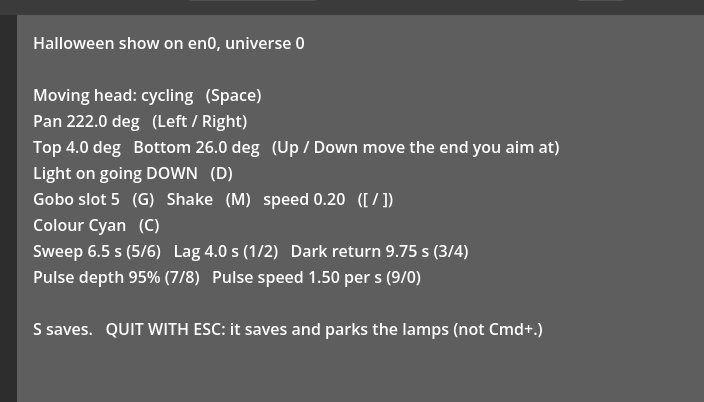
I ran a small Halloween show on GodotDMX last week: a moving head sweeping a bubble gobo through projected water and sharks, with a pixel bar doing the waves. Back on the bench afterwards, every move I sent through the tool came out slow. The tool sets the head's speed channel to the end the fixture profile calls fastest, which is 255. On this unit, 255 is actually the slowest and 0 is the fastest, and the shared library profile has it backwards the same way. The show itself was fine, because we'd tuned its timing by eye, and it ended up with 4 seconds of lag dialed in for the head to catch up. Nothing complained, which is sort of the problem. One of the things we've planned for the tool is moving in black, where a head would reposition at full speed while it's dark and only slow down when it's lit, so that speed channel has to be right.
If you're bringing an unfamiliar fixture into a show, it's worth five minutes before anyone programs it. Send the speed channel at 0, then at 255, time a full pan at each, and write down which end is fast. The profile can be wrong, and the head won't tell you.